Templates save you from rebuilding the same request every time.
If you collect the same information from many clients, such as a new client onboarding checklist or a tax return document list, you can build it once as a template and reuse it instantly.
Types of templates in Gatheroo
Request templates are full reusable requests, including all pages, sections, fields and settings. When you create a request from a template, everything is pre-configured and ready to send.
Page templates are saved individual pages that you can insert into any request. Useful when you have a standard page, such as a Contact Information page, that appears in many different requests.
A page saved as a template keeps its visibility setting, so an internal-only page stays internal-only wherever you insert it. See Using internal-only pages in Gatheroo.
Section templates are saved groups of fields within a page. Useful for questions you only need occasionally, where it doesn’t make sense to carry them in your main request template. Save the section once and drop it in when a matter calls for it.
Creating a template
You create a Request template the same way you create a request: through the three-step Setup, Design, Preview process. The difference is that templates have a Due Date Offset (for example, “Today plus 7 days”) so the due date is calculated automatically when the template is used.
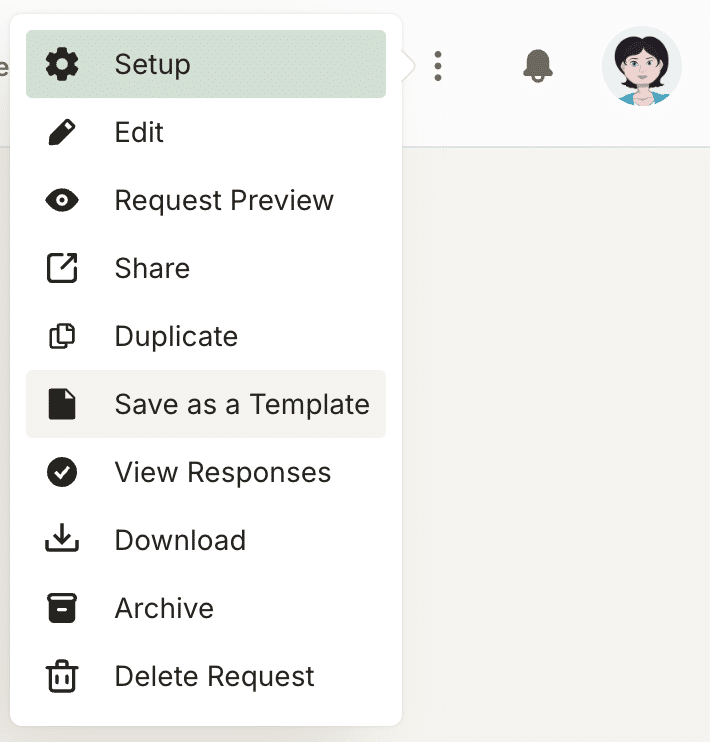
You can also turn an existing request into a template. Open the request, select the three dots at the top right, and choose Save as a Template.
Using a template to create a request
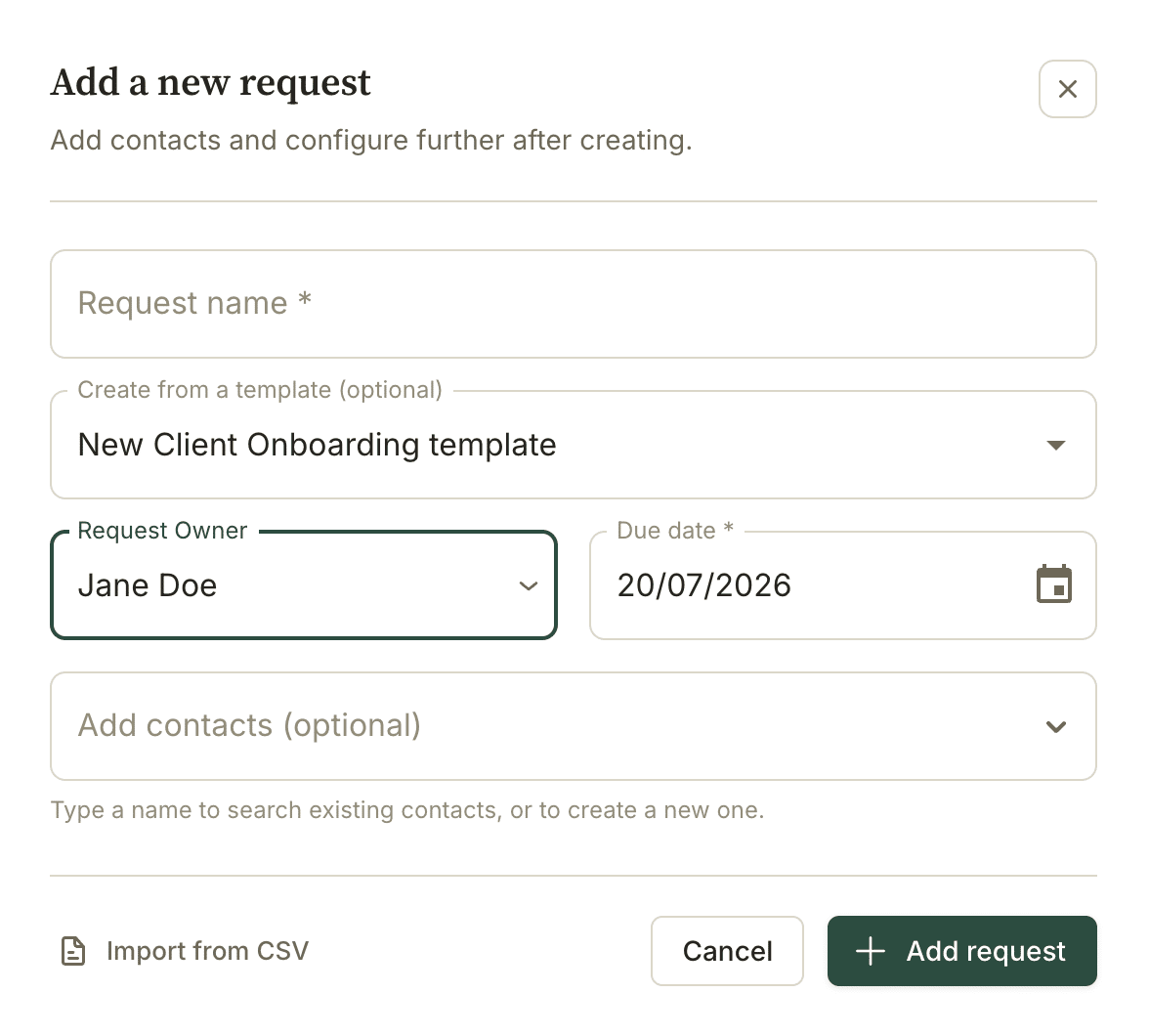
You can start a new request from the request dashboard and select a template on the first step
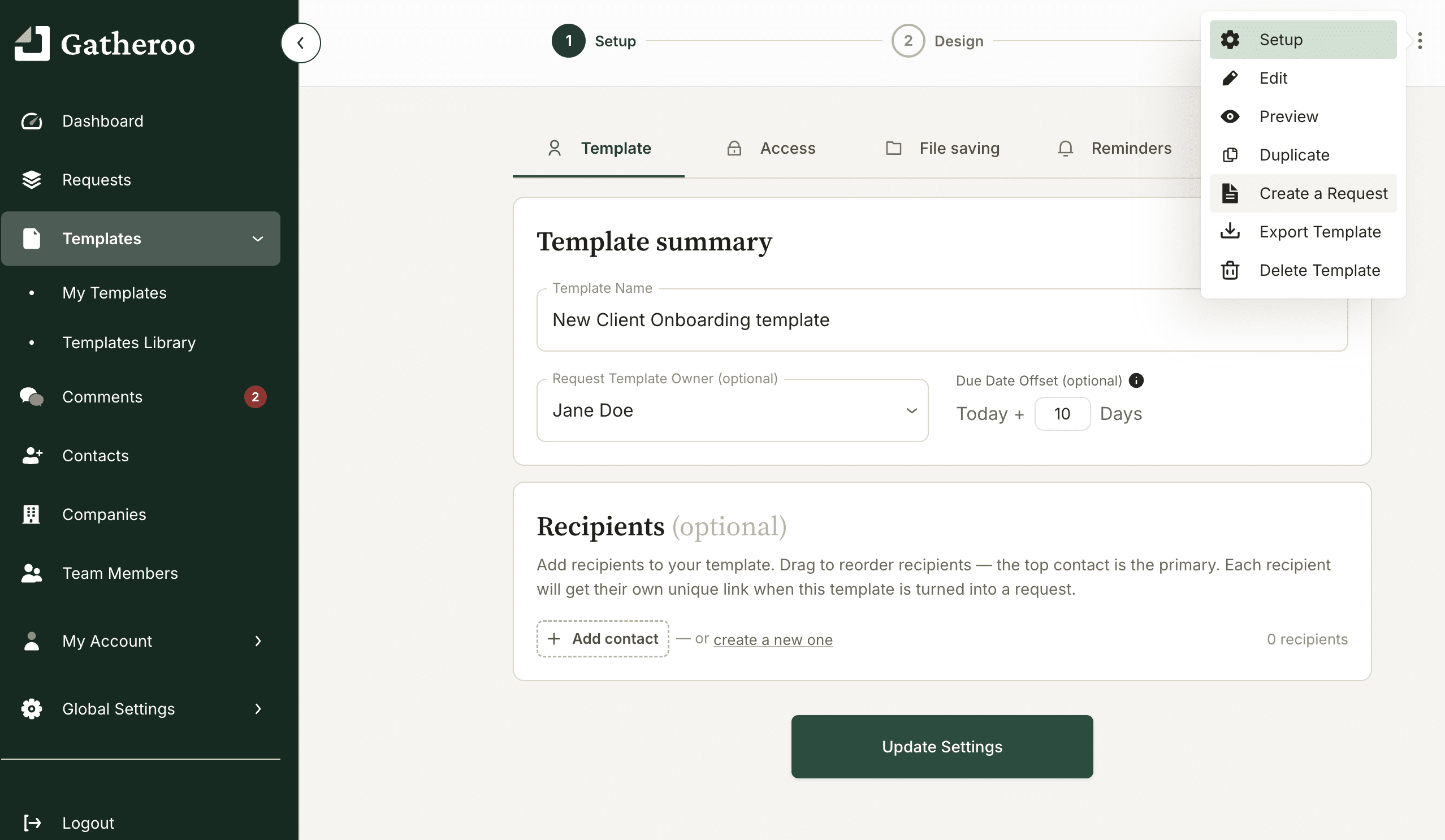
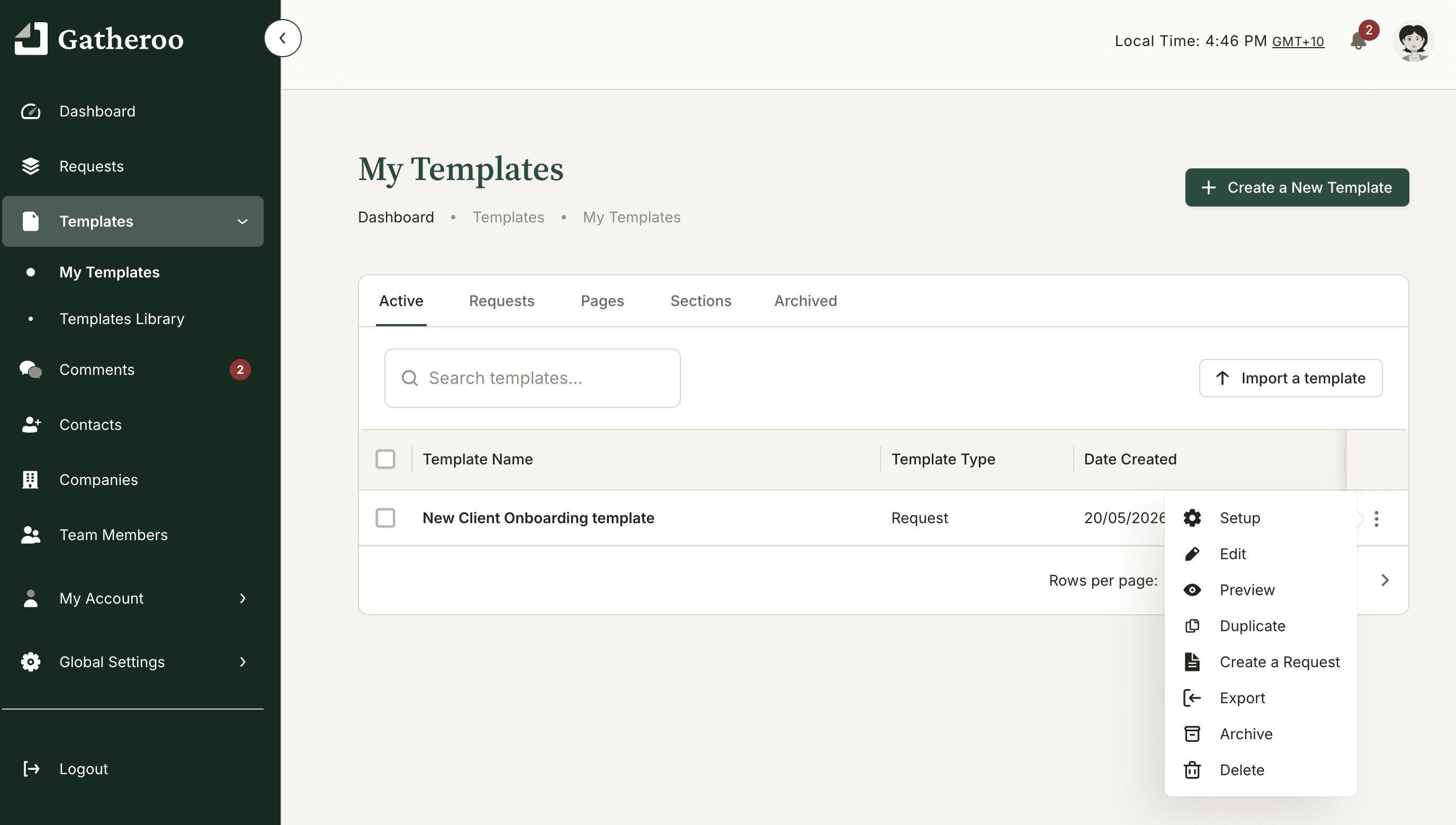
Or you can select the template you want, and spin up a request from the template or template dashboard.
In either way, choose to create a request from a template and Gatheroo will pre-fill everything from the template
If your template isn’t client specific and you don’t have a contact allocated already, you can now add your contact, confirm the due date, and send.
The whole process takes under a minute for a request you have already designed.
Of course you can still review and amend the request as you need to, without affecting the template.
For settings that pre-fill request owner, due dates and email text automatically: see Advanced Template Settings.
Editing a template
Open the template from the Templates list, make your changes, and save. Editing a template doesn’t affect requests already created from it, only new requests created after the edit use the updated version.
Sharing templates with your team
Templates are visible to, and can be used by, all team members in your account.
Importing templates
Gatheroo allows you to import templates from a file, which is useful when setting up a new account or sharing a template structure from another Gatheroo account.
Importing from the templates library
Our templates library is changing daily. If you need inspiration or something specific, take a look through and add the template to your account. You can easily delete it if you don’t need it, or add it again if you need a clean copy after making changes.
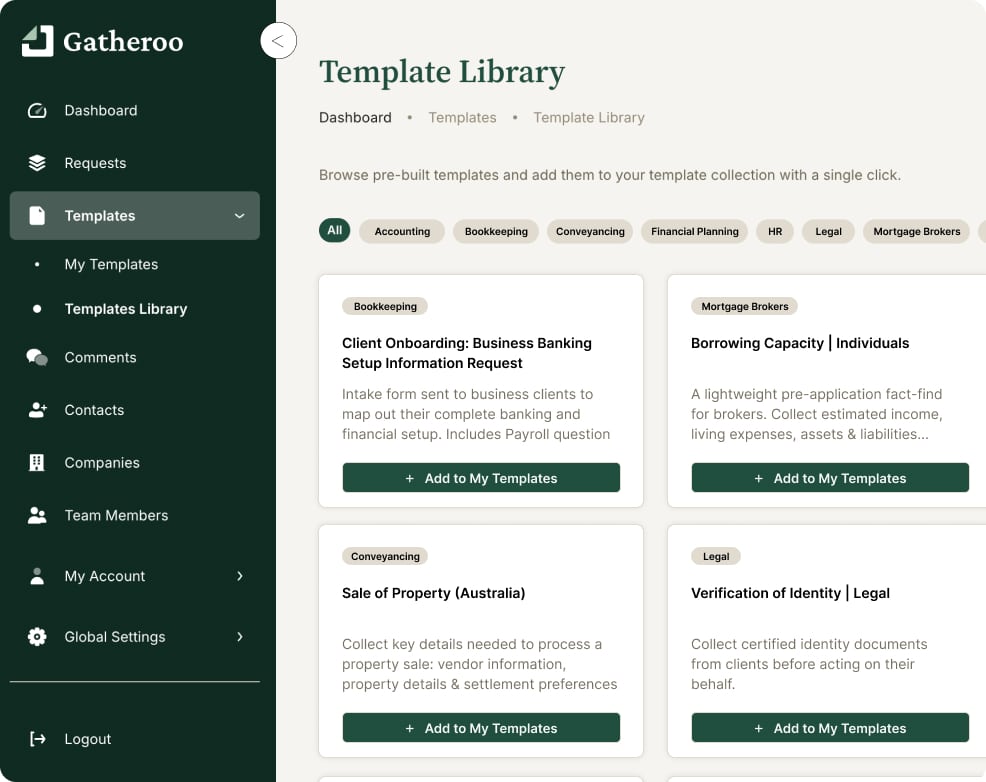
Full detail: Using the Template Library.