Your Account Settings in Gatheroo cover everything personal to your account: your profile details, how notifications work, how your outgoing emails look, your security settings and integrations.
This guide walks through each area.
My Details
Update your name, profile photo and email signature from the My Details section.
Automated Notifications & Reminders
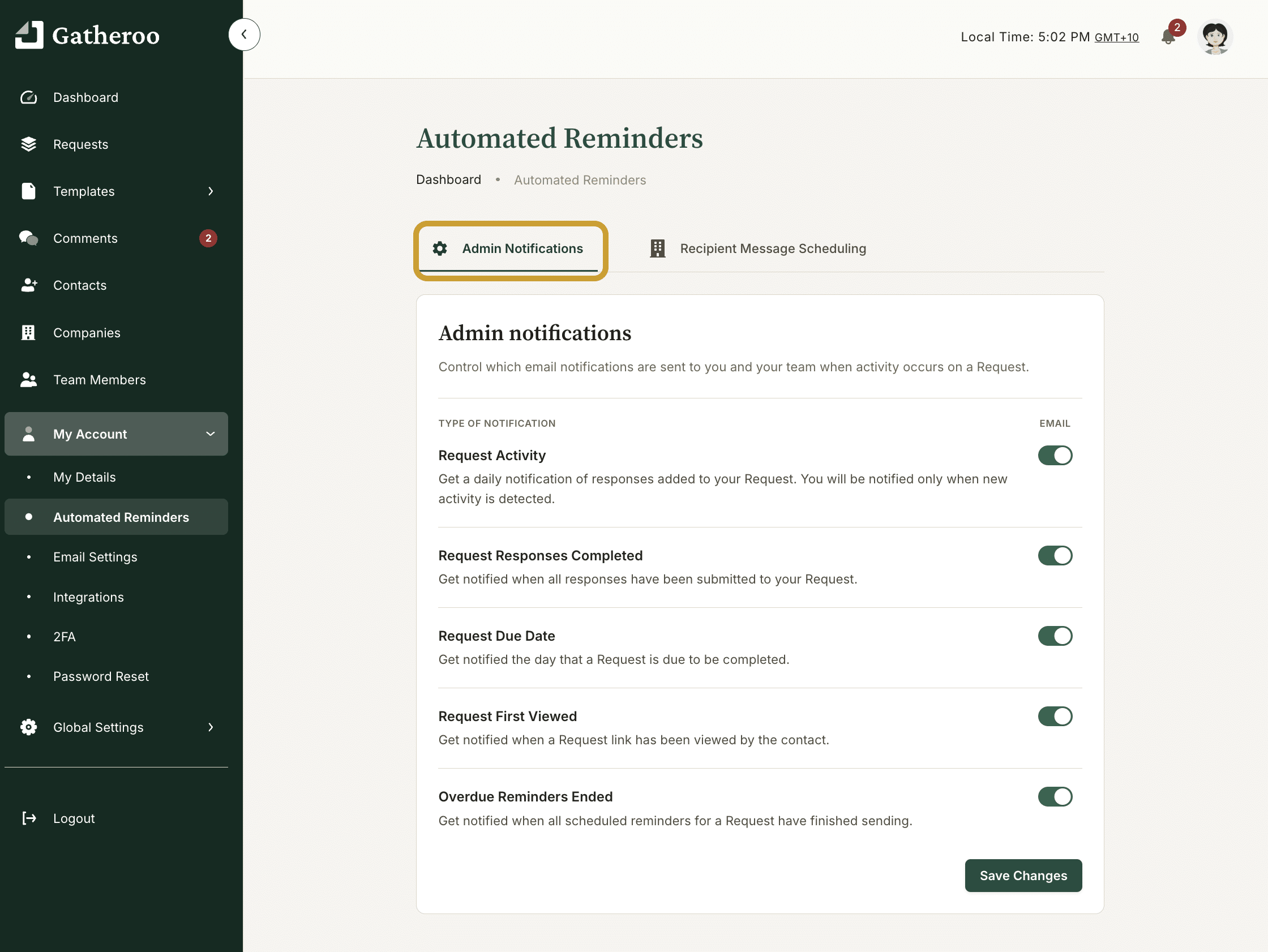
Gatheroo can send you and your team automatic notifications when things happen on your requests. In the Automated Reminders section you configure which events trigger admin notifications: request activity, completed responses, due dates, first views, and overdue reminders.
You can also configure the reminders sent to your clients. These include due soon reminders, day-of reminders, and overdue nudges. Each reminder can be sent by email, SMS, or both if your plan allows it.
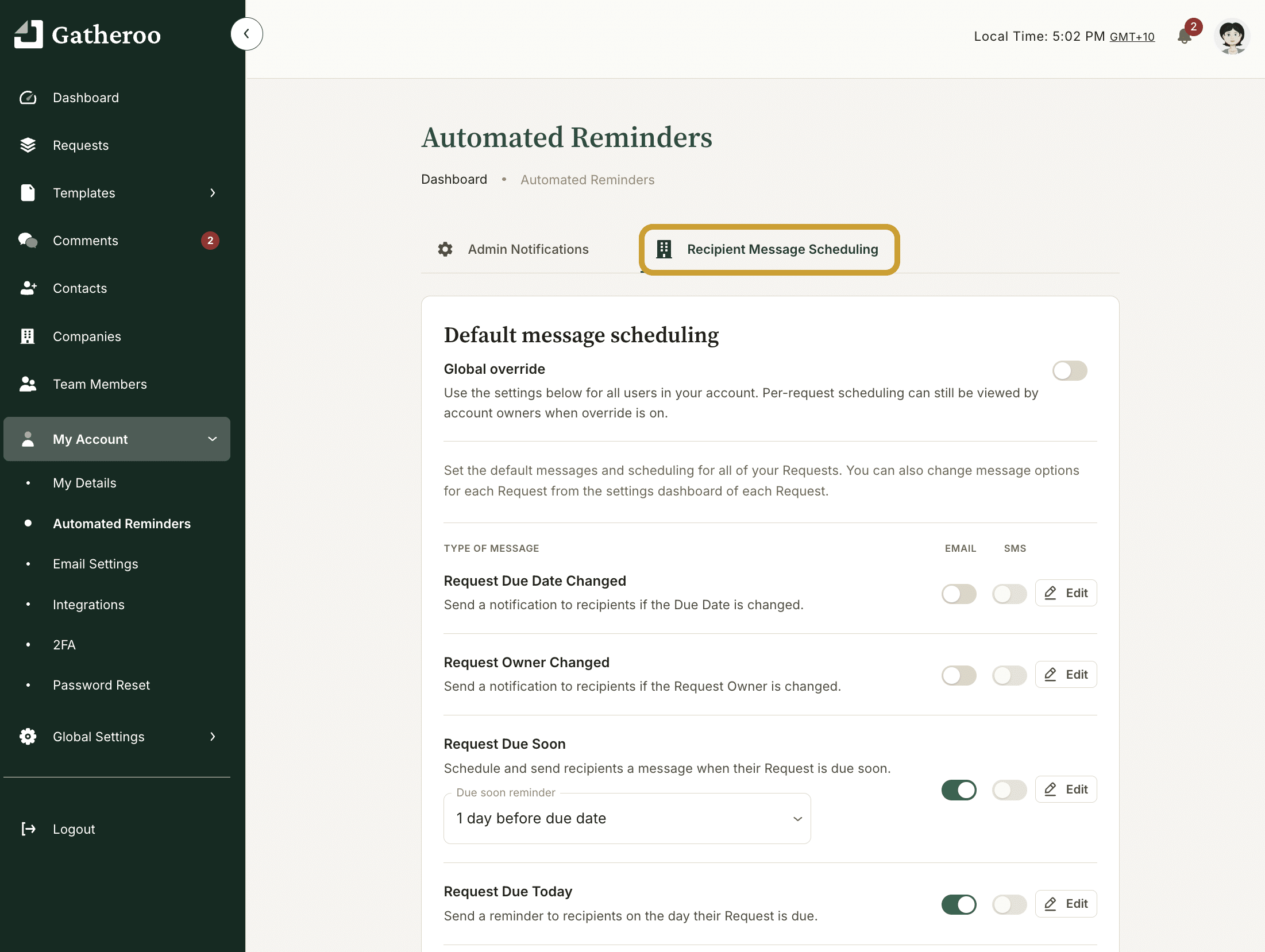
You can set how often overdue reminders repeat and when they stop.
Email Settings
Control how your outgoing request emails look.
The message on each type of client message can be amended in the Automated Reminders settings


We also suggest you connect a verified domain and verify your email address, so emails come from your own address, and customise the email branding with your logo and colours.
Verifying and using your own domain significantly improves email deliverability.
Integrations
Connect Gatheroo to your cloud storage.
Available integrations include Zapier, OneDrive, Google Drive and Xero.
Two-Factor Authentication (2FA)
Enable two-factor authentication to add a second layer of security to your account login. Gatheroo sends a passcode by email to verify your login attempt.
Setting up 2FA is also a prerequisite for enabling the Xero integration.
Looking for billing or plan settings?
Billing, invoices, subscription plan changes and SMS credits are account-wide settings, not personal ones – see Global Settings for all of that.