What this does: By default, Gatheroo sends emails to your clients from noreply@gatheroo.io. Once your company’s domain is verified, each team member can connect their own email address so emails send from them personally instead.
Before you start: Your company’s domain must already be verified. This is done once, by an admin, under Global Settings → Domain Verification. See the full domain verification guide.
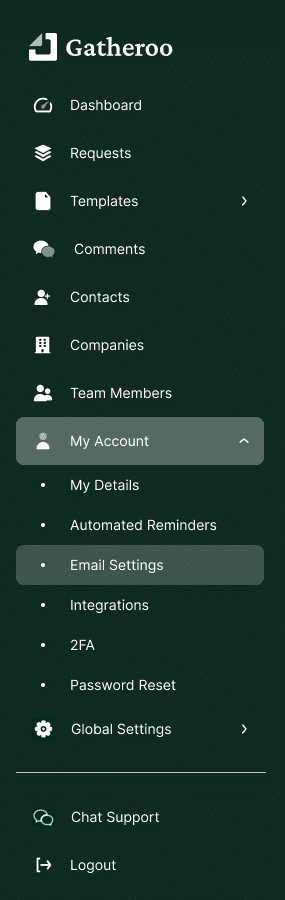
1. Go to My Account → Email Settings
2. Enter your email address, using your company’s verified domain (e.g. yourname@yourcompany.com).
3. Click Save.
4. Check your inbox for a verification email from Gatheroo, and click the link inside it.
5. Once verified, your address will show in green under Email Settings.
From now on, requests and reminders sent through Gatheroo where you are a Request Lead will come from your own address, not noreply@gatheroo.io.
Note: If your domain isn’t verified yet, ask whoever manages your Gatheroo account to complete domain verification first – individual email addresses can’t be verified until then.