Learn how to keep your recipients’ information secure by enabling passcode protection on your requests.
Passcode protection is off by default.
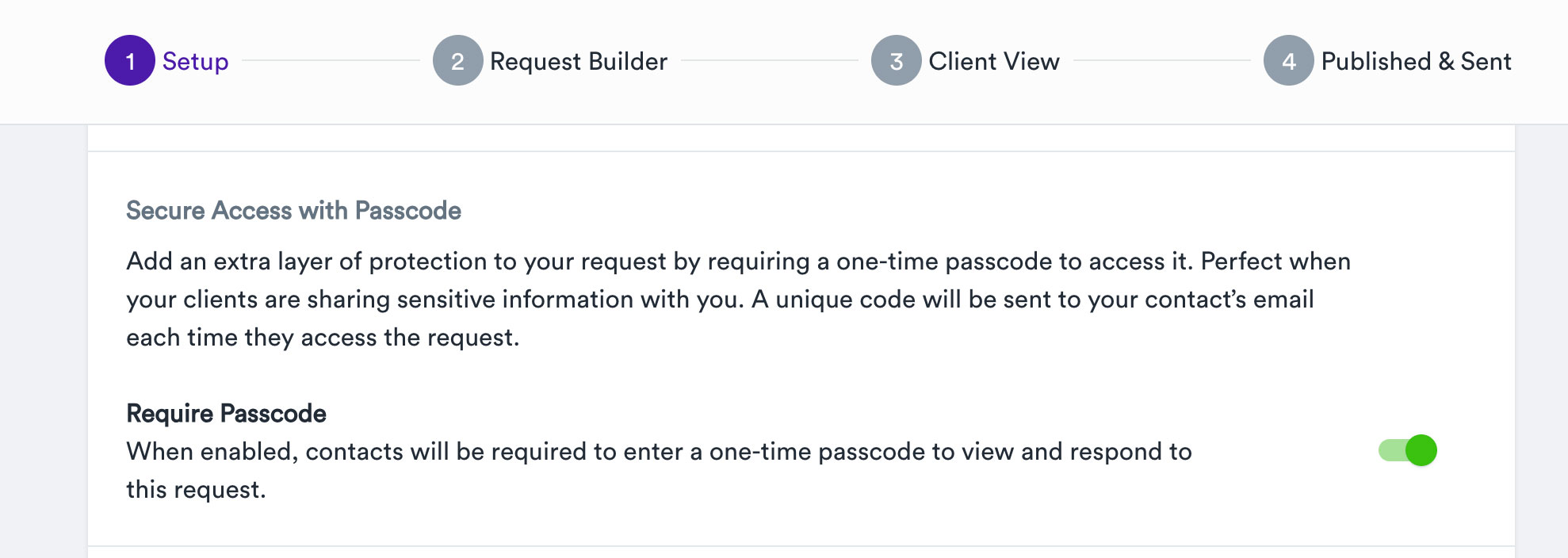
You can enable it in the “1 Setup Step” section of a request.
Select Yes or No depending on the sensitivity of the information you’re requesting.
When Yes is selected, the recipient will be required to verify their access using a one-time 6-digit passcode sent to their email each time they open the request.
If the Request recipient needs a new passcode, they can request another one directly from the access screen.
As the account owner, you can still preview or download the information without entering a passcode, as your account access is already protected by your secure login.