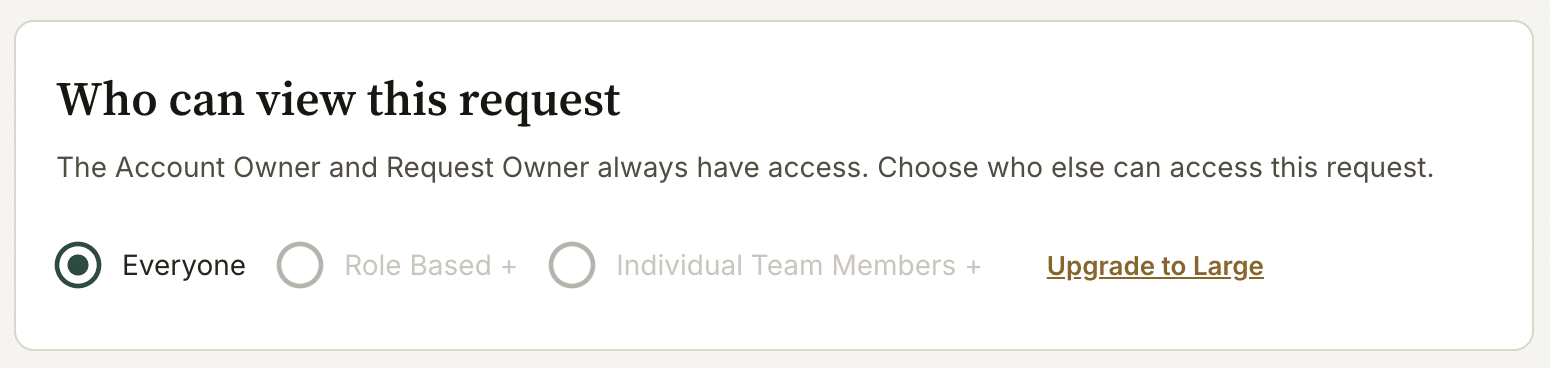
What this does: By default, team members can see all requests in the account. If you handle sensitive client information and want to restrict which team members can access specific requests, you can set request-level access controls. This is separate from the role-based permissions in Global Settings – it’s a per-request setting. Not that this is not available on all plans.
This setting is managed by whoever creates the request, or someone who has access to the request can add restrictions.
How to restrict access to a request
- Open the request.
- Go to Request Setup → Access.
- Under Access, switch from All team members to Specific team members.
- Select the team members who should have access to this request.
- Save. Only the selected team members (and the Account Owner) will now be able to view or edit this request.
This is note available on all plans.
Using templates to control access
If you consistently want certain requests to be restricted to a specific team, you can set the access rule on a template. Any request created from that template will inherit the access setting.
Account Owners always have full access
The Account Owner can always see all requests, regardless of the access settings. This cannot be changed.